· RNITS · Cybersecurity Service · 11 min read
AI Is Writing Your Phishing Emails Now — Here's What Small Businesses Need to Know
Phishing emails used to be easy to spot. AI changed that. Here's how AI-generated phishing works and what your business can do about it.
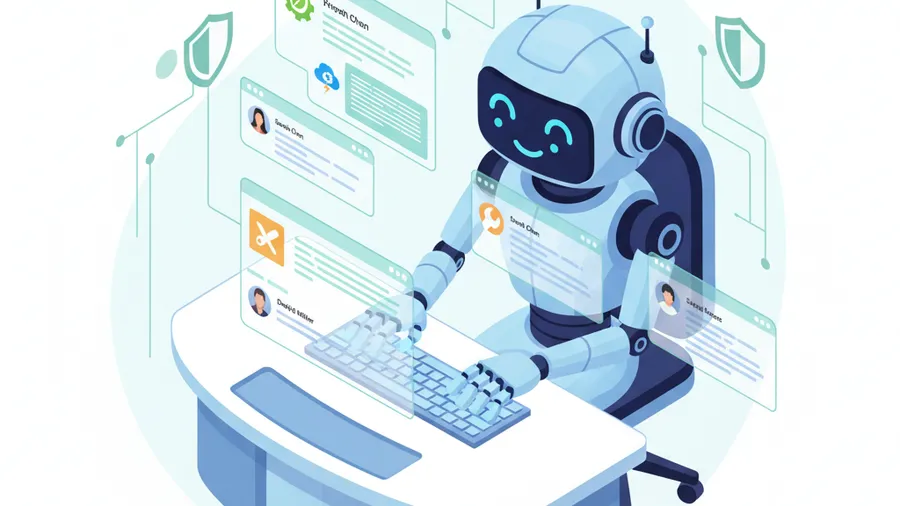
Two years ago, you could spot most phishing emails by looking for broken English, weird formatting, or a sender address that did not match the company name. That filter worked often enough that “look for typos” became the standard advice in every security awareness training deck.
That advice is now dangerously outdated.
Security researchers estimate that over 80% of phishing emails in 2025 were generated or refined by AI. The numbers from the field back that up — phishing-related losses hit $17.4 billion globally last year, a 45% jump from the year before. The volume of phishing attacks increased by over 200% between early 2024 and the end of 2025. And the emails themselves have gotten so much better that experienced IT professionals are getting fooled, not just the person in accounting who clicks on everything.
Large language models — the same kind of AI behind ChatGPT, Claude, and dozens of open-source alternatives — are excellent at writing convincing, natural-sounding text. Attackers figured that out quickly.
What AI-generated phishing actually looks like
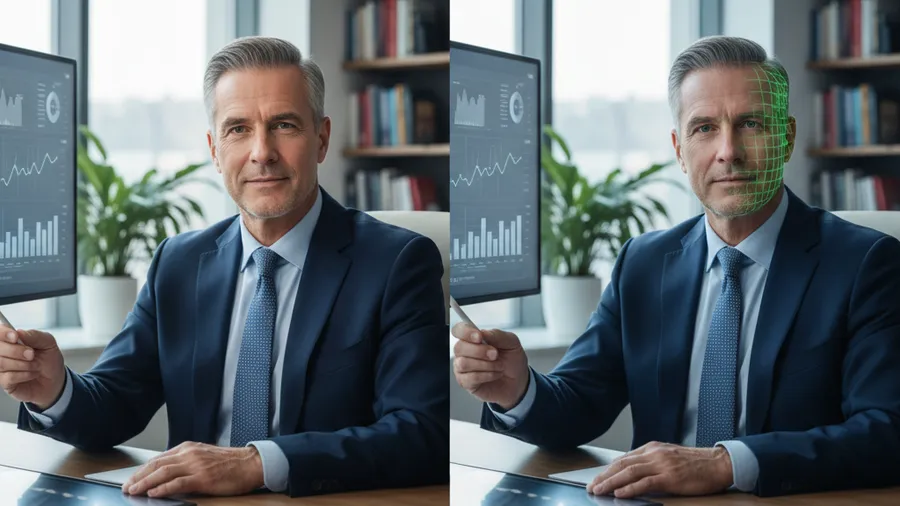
Forget the Nigerian prince. Forget the obvious “Dear Valued Customer” template with a sketchy attachment. AI-generated phishing looks like a real email from someone you actually do business with.
Here is what we are seeing hit inboxes in New Hampshire and Massachusetts right now:
Vendor invoice emails. An email from what appears to be your actual office supply vendor, referencing your real account number and a recent order amount that is close to what you normally spend. The email says your payment method needs updating and links to a page that looks exactly like the vendor’s login portal. The only difference is the domain — and it is close enough that you would not notice unless you were actively checking.
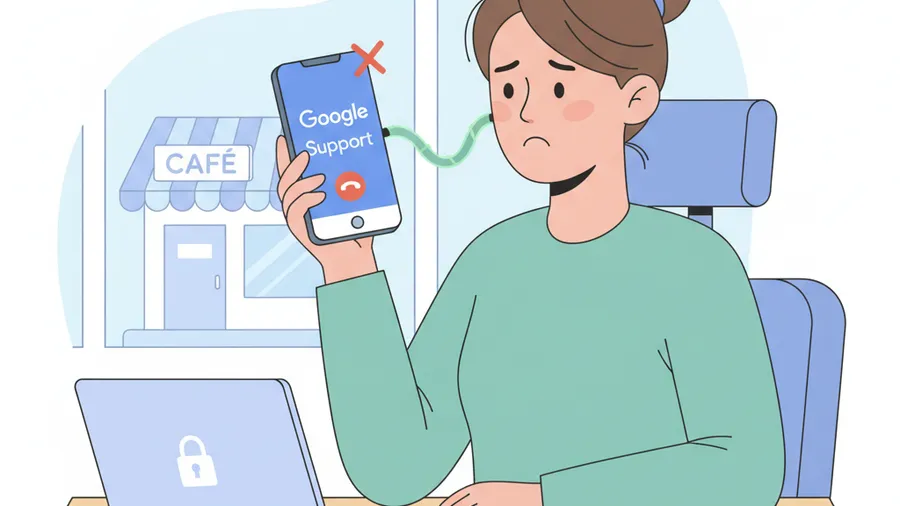
Internal IT requests. An email that looks like it came from your own IT department or your managed service provider, asking you to re-authenticate your Microsoft 365 or Google Workspace account because of a “security update.” The email uses your company name, your actual email domain, and references your real IT contact by first name.
CEO or owner requests. An email that appears to be from the owner or a senior manager, sent to someone in accounting or HR, asking them to process a wire transfer, update direct deposit information, or send over W-2s. The tone matches how that person actually writes — short, direct, no greeting — because the attacker scraped their writing style from LinkedIn posts or previous email breaches.
Shared document notifications. A Google Drive or SharePoint sharing notification that looks identical to the real thing. You click it, you land on what looks like a Microsoft or Google login page, you enter your credentials, and they are gone.
None of these have typos. None of them have weird formatting. The grammar is perfect. The tone matches the supposed sender. The links look plausible. Traditional phishing training — “look for spelling mistakes and suspicious links” — does not catch these.
Why AI phishing is fundamentally different
Old-school phishing was a volume game. Attackers sent millions of identical emails and hoped a small percentage clicked. The emails were generic because they had to be — customizing each one took human effort that did not scale.
AI removes that constraint. An attacker can scrape your company’s website, LinkedIn profiles, job postings, and press releases, then feed that data into a model with a prompt like “write a phishing email pretending to be this company’s IT provider, referencing their actual email platform and a recent security update.” They get thousands of unique, personalized emails in minutes — each one tailored to a specific recipient, referencing real details. They can A/B test subject lines automatically, keeping whichever version gets the highest click rate. And the translation is flawless, which eliminates the accent and grammar tells that used to flag foreign-origin phishing.
The result is phishing at scale with the quality of a targeted spear-phishing attack. That combination did not exist before AI tools became widely accessible.
The cost is nearly zero
Building a convincing phishing campaign used to require a skilled social engineer who spoke the target’s language and understood the target’s industry. That person was expensive and slow.
Now, an attacker with basic technical skills can set up an AI-assisted phishing operation for almost nothing. Open-source language models run on consumer hardware. Phishing kits with AI integration are sold on criminal forums for under $200. The infrastructure to send the emails — compromised mail servers, bulletproof hosting — has always been cheap.
The economics shifted. Attackers who previously could only afford spray-and-pray campaigns can now run highly targeted operations against specific companies. Small businesses in particular are in the crosshairs because they have fewer defenses and the same valuable data — client lists, banking credentials, employee records, health information.
Why training alone will not save you
We are not saying training is useless — it still matters. But relying on employees to visually identify phishing when the emails look perfect is like relying on a padlock when someone has a key.
Click rates on AI-generated phishing emails run between 40% and 60% in controlled studies, compared to roughly 15-20% for traditional phishing templates. Even in organizations with regular security awareness training, AI-crafted emails consistently get through. The visual and textual cues that training programs teach people to look for are simply not present — you cannot train someone to spot something that looks exactly like a legitimate email.
This does not mean you should stop training. It means you need to stop treating training as your primary defense. It should be one layer — not the whole wall.
What actually works against AI phishing
No single tool stops AI-generated phishing. What works is stacking technical controls with process changes — each layer catching what the previous one misses.
1. Deploy email authentication properly
SPF, DKIM, and DMARC are the technical standards that verify whether an email actually came from the domain it claims to come from. Most small businesses either do not have these configured or have them set to monitoring mode instead of enforcement.
Set your DMARC policy to reject — not none, not quarantine. This tells receiving mail servers to drop emails that fail authentication checks. It does not stop every phishing email, but it prevents attackers from sending emails that perfectly spoof your exact domain. If you use Google Workspace or Microsoft 365, both platforms support these standards natively. They just need to be configured correctly.
2. Enable advanced threat protection on your email platform
Both Google Workspace and Microsoft 365 offer AI-powered email scanning that goes beyond basic spam filtering. These tools analyze links, attachments, sender reputation, and behavioral patterns to catch phishing that passes traditional filters.
Google’s advanced protection includes real-time link scanning, attachment sandboxing, and anomaly detection. Microsoft Defender for Office 365 does similar work with safe links, safe attachments, and anti-phishing policies.
These features exist in most business email plans. They are often not enabled by default, or they are set to a low sensitivity level that lets sophisticated phishing through. Turn them up. Yes, you will get a few more false positives in quarantine. That is a better problem to have than a compromised account.
3. Enforce phishing-resistant MFA everywhere
Standard MFA with SMS codes or authenticator app push notifications is better than nothing, but it is not phishing-resistant. Attackers use real-time proxy tools — the most common one is called Evilginx — that sit between the victim and the real login page. When you enter your password and approve the MFA prompt, the attacker captures the session token and walks right in.
Phishing-resistant MFA means hardware security keys (YubiKeys) or passkeys. These verify the actual domain of the site you are logging into at the hardware level. If you click a phishing link and land on a fake Microsoft login page, the key will not authenticate because the domain does not match. It stops the attack regardless of how convincing the page looks.
For admin accounts and anyone who handles financial transactions, this should be mandatory. For everyone else, it should be strongly encouraged. The cost of a hardware key is around $25-50 per employee — a fraction of what a single successful phishing attack costs.
4. Implement out-of-band verification for financial requests
Any email requesting a wire transfer, a change to payment information, updated bank details, or a large purchase should be verified through a separate communication channel. If you get an email from the CEO asking you to wire $15,000 to a new vendor, call the CEO on a phone number you already have — not one from the email — and confirm.
This is a process control, not a technical one. It costs nothing to implement and stops the most damaging type of phishing attack — business email compromise. BEC accounted for over $2.9 billion in reported losses in the US in 2025. A five-second phone call prevents it.
Write this into your accounting procedures. Make it a rule that no financial transaction above a certain threshold gets processed based solely on an email request.
5. Keep your systems patched and monitored
Phishing is usually step one of a larger attack. After an attacker gets credentials, they use them to move through your network, access data, and deploy malware or ransomware. The less room they have to move, the less damage they do.
Regular patch management closes known vulnerabilities that attackers exploit after initial access. Endpoint detection catches suspicious behavior even if the initial phishing succeeds. Network monitoring flags unusual data movement or login patterns.
These are not glamorous defenses. They are the basics. But the basics done consistently are what stop a phishing email from turning into a six-figure incident.
Real examples we have seen locally
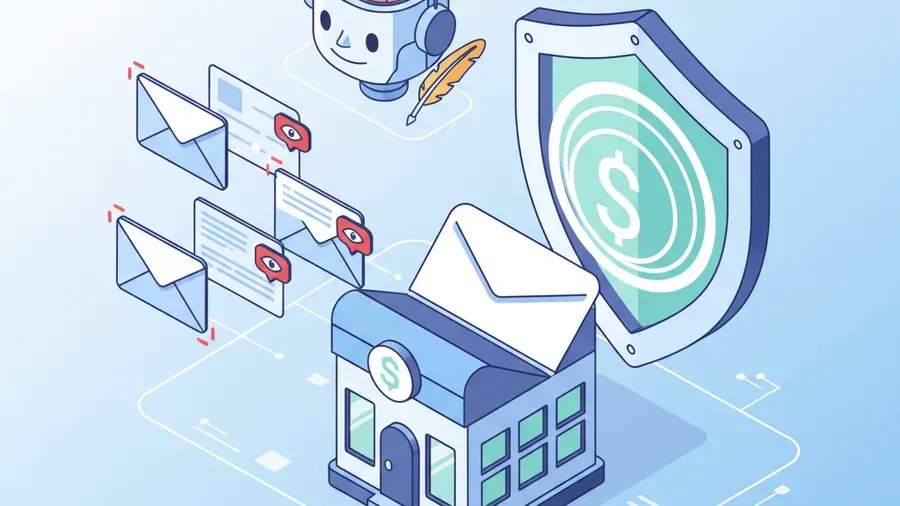
We work with small businesses across New Hampshire and Massachusetts, and we are seeing AI-generated phishing attempts increase significantly in the last six months. A few examples, with details changed to protect the companies:
A construction company in southern NH received an email that appeared to be from their concrete supplier, referencing a real project and a real invoice amount. The email asked them to use “updated payment instructions.” The bookkeeper noticed the bank routing number was different from what they had on file and called the supplier to confirm. The supplier had no idea what she was talking about — the email was fake. That phone call saved them over $40,000.
A law firm in Massachusetts had an associate click a link in what looked like a DocuSign notification from opposing counsel. The link led to a credential harvesting page. The firm had MFA enabled, but it was the push-notification type — the attacker triggered the MFA prompt and the associate approved it, thinking it was related to her login. The attackers had access for about four hours before the firm’s monitoring detected unusual file access patterns and locked the account.
A medical practice in the Merrimack Valley got hit with a credential phishing email disguised as a patient portal notification. Two staff members entered their credentials. Because the practice had network segmentation and their patient records system required a separate login with a hardware key, the attackers could not access protected health information. Without that segmentation, it would have been a HIPAA breach.
Every one of these attacks used well-written, correctly formatted, personalized emails. None of them would have been caught by looking for typos.
The uncomfortable truth about where this is heading
AI phishing tools are getting better every few months. The next generation will not just write convincing text — they will generate entire fake email threads, create convincing fake websites on the fly, and coordinate across multiple channels (email, text, phone) simultaneously. Some of this is already happening.
Defending against it requires accepting that you cannot rely on humans spotting fakes. You need technical controls that work regardless of how convincing the phishing looks. You need processes that require out-of-band verification for high-risk actions. And you need monitoring that catches compromised accounts quickly when the first layer fails.
The businesses that come out okay are the ones that layer their defenses and go in assuming some phishing will get through. “Be careful what you click” as your primary strategy is not a plan — it is hoping your employees are more careful than the attackers are clever.
Where to start
If you are not sure whether your current email security setup would stop an AI-generated phishing email, start by finding out. A free cybersecurity assessment will show you where your email authentication, MFA, endpoint protection, and monitoring stand — and where the gaps are that an attacker would exploit.
The phishing emails your team is getting this month are not the same as the ones they got last year. Your defenses should not be the same either.