Designed Around Recovery
We set policy from recovery time and recovery point targets — what needs fast recovery, what can wait — so you know exactly how quickly you get back to work.

Loading…
Backups built around how fast you need to recover — Microsoft 365, servers, and endpoints, monitored and tested. Not generic retention settings you hope still work.
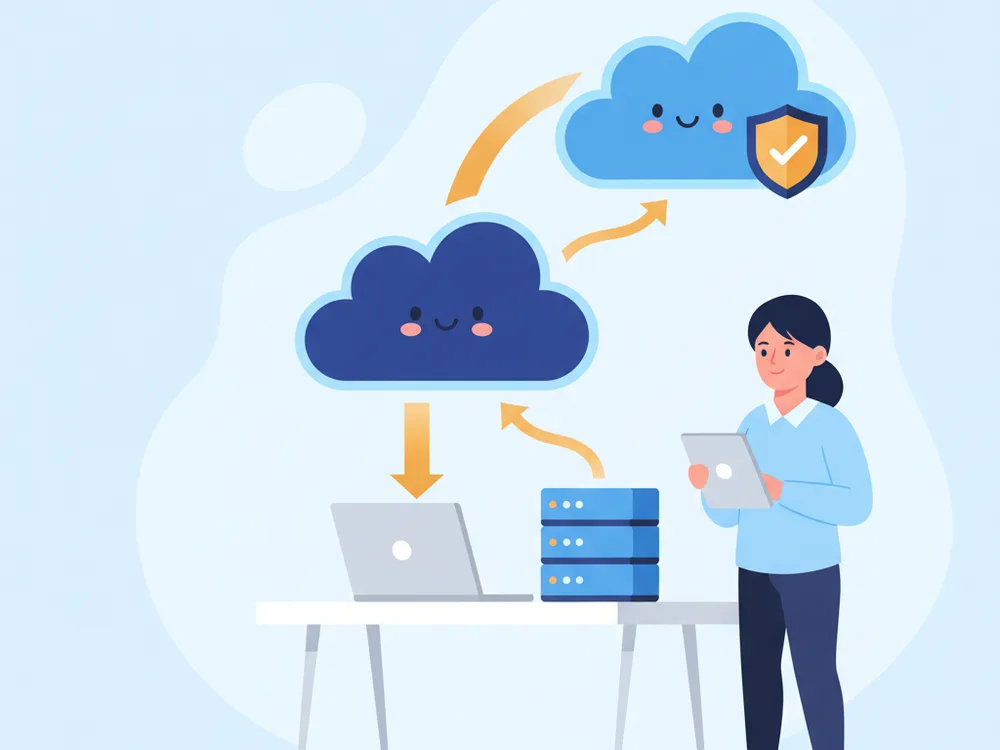
Most companies don't think about backup until a restore is urgent. By then the problem is usually missing coverage, failed jobs, or a process no one ever tested.
We set policy from recovery time and recovery point targets — what needs fast recovery, what can wait — so you know exactly how quickly you get back to work.
Microsoft 365, servers, endpoints, and SaaS data, monitored for failed jobs and routinely verified so restore points actually work when you need them.
Isolated, monitored, tested backups with a documented recovery process — the difference between a bad afternoon and a closed business.
A strong backup program protects the systems that keep your business running, not just a folder of files.
Mailboxes, OneDrive, SharePoint, and Teams — the SaaS data Microsoft does not back up for you.
Business servers, virtual machines, and shared file storage backed up on a recovery-driven schedule.
Critical desktops and laptops used by remote and hybrid staff stay covered wherever they work.
Retention rules that support legal, insurance, and regulatory requirements — not arbitrary defaults.
Encrypted backup storage with role-based access controls so only the right people can touch it.
Active alerting on failed or missed jobs, so a silent backup failure never becomes a surprise.
We test restore points on a schedule so recovery is proven, not assumed.
File-level, mailbox-level, and full system-level recovery support when something goes wrong.
Cloud backup solutions give your business a practical recovery plan when ransomware, accidental deletion, hardware failure, or a cloud outage interrupts operations. RNITS helps companies protect Microsoft 365 data, servers, endpoints, and line-of-business systems with backup policies that are easy to manage and built around real recovery needs.
We focus on a simple question: if something goes wrong, how quickly can you get back to work? When backup planning is tied to cloud infrastructure management and cloud migration services, recovery becomes much more predictable.
Most companies do not think about backup until a restore is urgent. By then, the real problem is usually poor visibility: missing coverage, failed jobs, unclear retention rules, or no tested recovery process.
Businesses turn to cloud backup solutions to:
This work coordinates naturally with hybrid cloud solutions and Microsoft 365 managed services for organizations already running on those platforms.
Good backup is less about storage volume and more about business continuity. With RNITS, clients get a clearer recovery process, fewer unpleasant surprises during an incident, and stronger confidence that critical data can be restored when needed.
That matters for title companies handling transaction records, healthcare practices protecting patient data, and professional service firms that cannot afford long outages.
If you need cloud backup solutions that are built around recovery, not marketing claims, RNITS can help. We will review your current coverage, identify weak spots, and put a cleaner backup and restore strategy in place. Schedule a consultation to review your backup coverage and recovery readiness.
A clear path from unknown coverage to a tested, recoverable backup program.
We review what you back up today and find the gaps — missing systems, failed jobs, unclear retention.
Policy built from recovery time and recovery point targets: what needs fast recovery, what can wait, what needs long retention.
Encrypted backups with monitoring and routine restore tests, so recovery points are proven before you ever need them.
We watch for failures and handle both routine restores and incident recovery when it counts.
Cloud backup can include Microsoft 365 data, servers, workstations, virtual machines, shared storage, and selected cloud workloads. We scope coverage to what your business actually needs to recover.
It depends on how much data your business can afford to lose. Some systems need multiple backups per day; others can follow a longer schedule. We set this from your recovery point targets.
It helps when backups are isolated, monitored, and tested. Recovery still depends on having clean restore points and a documented response plan — which is exactly what we build.
Yes. RNITS manages backup jobs, watches for failures, and assists with both routine restores and full incident recovery.
Optimize cloud performance and costs with structured infrastructure management. RNITS delivers visibility, governance, and scalability across cloud platforms.
Move applications and data to the cloud with minimal disruption. RNITS provides controlled, predictable cloud migration for enterprise environments.
Combine on-premises and cloud infrastructure for flexibility and control. RNITS architects hybrid cloud environments optimized for performance and cost.
Keep Gmail, Drive, and Google Workspace running securely and efficiently. RNITS manages administration, security policies, and user lifecycle at scale.
Maximize Microsoft 365 security, governance, and performance. RNITS provides structured managed services across Exchange, Teams, SharePoint, and Entra ID.
In 2026 the firewall became the most reliable way into a small business network. Not a phished employee. The security appliance itself.
Researchers documented the first ransomware attack run start to finish by an AI agent. It got in through an unpatched server and default passwords. Here's what actually changed.
Every MSP blog says break-fix is dead. It isn't. Here's an honest walkthrough of MSP pricing models, the real cost math, and who each one actually fits.
Onsite support within 150 miles of our offices in Tyngsboro, MA & the Richmond, VA area. Georgia & Florida and our other national markets are served remotely by the same team, on the same plans.
New Hampshire
Massachusetts
Virginia
Georgia
Florida
If you are comparing providers or planning your next step, RNITS can help you sort out the work and the order it should happen in — zero obligation.