Under 15 Minutes
A technician responds to a critical alert in under 15 minutes — a person with a plan, not an automated ticket receipt.
Loading…
We watch your servers, workstations, firewalls, and wireless around the clock — and a technician responds in under 15 minutes when something breaks. Included in every plan, not billed as an add-on.
Plenty of providers install a monitoring agent. The part that matters is what happens in the fifteen minutes after it fires.
A technician responds to a critical alert in under 15 minutes — a person with a plan, not an automated ticket receipt.
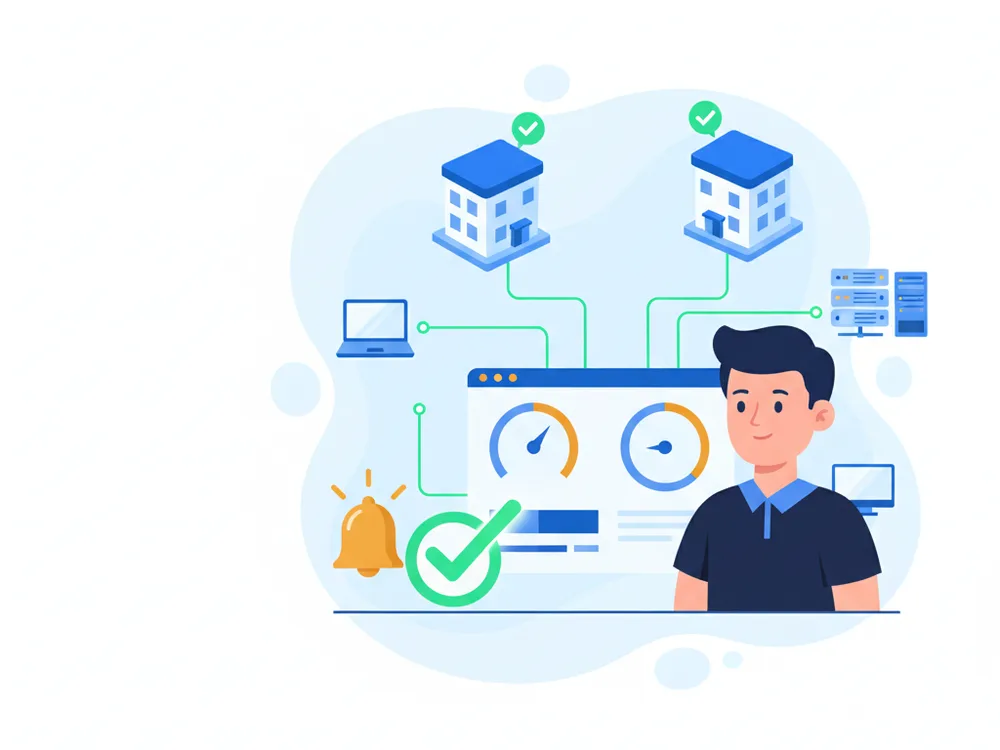
Servers, workstations, firewalls, switches, and wireless on one view — across offices and remote staff.
24/7/365 infrastructure monitoring ships in the $100/user Standard plan. It is not a premium tier.
Most MSPs quote a low per-user rate, then bill monitoring, patching, and after-hours coverage as separate line items. Ours are in the base price.
RNITS Standard
$100/user
Typical MSP
Quote on request
Our pricing is published on the plans page. If a provider will not put a number in writing before a discovery call, that is worth asking about.
Not "system health" — the specific things that take a small business offline.
Disk capacity, memory pressure, failed services, backup job results, and RAID or volume health.
Disk space, reboot age, pending updates, and whether endpoint protection is actually running.
Firewalls, switches, routers, and wireless access points — reachability, firmware age, and port or radio failures.
Traffic patterns and circuit saturation, so "the internet is slow" becomes a number instead of an argument.
Which devices are current, which have fallen behind, and which are missing EDR coverage entirely.
Devices, sites, and dependencies written down, so troubleshooting is not archaeology.
If you are looking at monitoring, you are probably not curious about the acronym. You want to know who notices when a server fills up on a Saturday, how fast someone actually picks up the phone, and whether it costs extra. Fair questions, and most provider pages answer none of them.
Here are our answers. Monitoring runs 24/7/365. A critical alert gets a technician’s response in under 15 minutes. It is included in the $100 per user Standard plan, not sold as an upgrade. We currently watch more than 2,000 endpoints, and we back a 99.99% uptime commitment. An AI agent triages that alert stream around the clock and escalates critical issues to our team — the watching is automated, the response still comes from a person.
Any provider can push an agent onto your machines. The RMM software market is crowded and the tooling is largely commoditized, so the platform itself is not where providers differ. If an MSP is selling you on how good their dashboard looks, they are selling you the wrong thing.
What varies enormously between providers is what happens in the minutes after an alert fires. An alert that lands in an unwatched queue is worse than no alert at all, because it creates a written record that you were told and nobody acted. So the honest way to evaluate monitoring is to ignore the feature list and ask two questions: who receives the alert, and what are they contractually obliged to do about it?
For us, the alert goes to a technician who confirms it is real, classifies urgency, and contacts you inside the guaranteed response window with a plan. Most issues then resolve remotely, under unlimited remote support, with no per-ticket charge for the call. If it needs hands on the device, Premium includes unlimited onsite work inside our 150-mile radius. If it needs someone working at 3am rather than first thing, that is Enterprise.
Monitoring usually fails by producing too many alerts, not too few.
An untuned RMM deployment will happily tell you about every transient CPU spike and every printer that went to sleep. Within a month those notifications are being ignored, sometimes by your staff and sometimes by the provider, and the one alert that mattered arrives in the same stream as four hundred that did not. The tooling is working perfectly. The outcome is still a missed outage.
Avoiding that is tuning work, and it is unglamorous. You raise the thresholds that fire on normal behavior, suppress the noisy-but-harmless, and keep a short list that always escalates regardless of hour: a server out of disk, a failed backup job, a firewall that stopped responding, endpoint protection that has been switched off. We baseline every device during onboarding specifically so we know what normal looks like before deciding what is worth waking someone for. On the Enterprise plan, risk scoring and custom alert thresholds make that tuning explicit and adjustable.
RMM tells us something is wrong and handles routine maintenance. It does not answer your users’ questions, plan your infrastructure, or make decisions about acceptable risk. Those are the help desk, IT infrastructure planning, and, if you need a security leader without hiring one, vCISO.
We would also rather not sell you monitoring on its own. Monitoring without an accountable response process is something you pay for and cannot rely on, and we have inherited enough of those setups from other providers to be blunt about it.
Four pages on this site describe overlapping work, which is genuinely confusing. Here is the honest division of labor:
| Service | What it covers | When it is the right page |
|---|---|---|
| Remote monitoring & management (this page) | Continuous visibility, alerting, and response across every device class — servers, workstations, firewalls, switches, wireless | You want to know something is wrong before your staff tells you |
| Server management | Deeper ownership of the servers themselves — configuration, capacity planning, lifecycle | The servers specifically need an owner, not just a watcher |
| Workstation management | Endpoint standards, imaging, and lifecycle for laptops and desktops | You are standardizing or refreshing the fleet |
| Software updates & patch management | The patching discipline itself, including testing and scheduling | Patch consistency is the specific gap |
Monitoring is the layer underneath the other three. In most engagements you get all four as part of IT infrastructure support rather than choosing between them.
Monitoring is in the base price at every tier, so the decision is about response depth rather than whether you are watched:
Full inclusions are on the plans page. We publish these numbers because comparison shopping an MSP is nearly impossible when nobody will quote before a discovery call.
We are based in Tyngsboro, MA, and provide onsite service within roughly 150 miles, which covers most of New Hampshire and Massachusetts, with remote support nationally for distributed staff. Onboarding takes 24 to 48 hours rather than the one to two weeks that is common. A month of waiting to be onboarded is a month of nobody watching.
Most of our clients are small businesses between 1 and 100 employees, including healthcare, legal, financial, manufacturing, and construction firms with compliance obligations that make undetected downtime expensive. There is no vendor lock-in and no long ramp.
If you want to know what is currently unmonitored in your environment, the free cyber security audit covers that, or you can get in touch and we will walk your device list with you.
The pipeline behind the dashboard. This is the part most RMM pages leave out.
The alert reaches a technician, not a queue nobody reads. They confirm it is real and classify how urgent it is.
For a critical issue, response is under 15 minutes — a person contacting you with a plan of action.
Most of it resolves remotely under unlimited remote support, with no per-ticket charge for the call.
Premium adds unlimited onsite within our 150-mile radius. Enterprise adds emergency after-hours coverage.
Changes are documented in real time, and Premium and Enterprise get a monthly executive report on recurring issues.
24/7/365 infrastructure monitoring is included in our Standard plan at $100 per user per month, alongside the help desk, patch management, and unlimited remote support. Premium is $125 and adds unlimited onsite support; Enterprise is $150 and adds emergency after-hours support plus risk scoring and custom alert thresholds. There is no separate monitoring line item at any tier.
Monitoring runs 24/7/365, so the alert is generated and triaged overnight regardless of plan. Guaranteed response time applies at every tier. Emergency after-hours support — where we actively work the problem outside business hours rather than picking it up first thing — is an Enterprise plan inclusion, and we will tell you plainly which tier you need for the coverage you want.
Both. Firewalls, switches, routers, and wireless access points are monitored alongside servers and workstations, including firmware age and circuit saturation. This page covers what used to be a separate network monitoring service — one page, one service, because in practice it is one job.
RMM is one component of managed IT, not a substitute for it. It is the visibility and automation layer: it tells us something is wrong and handles routine maintenance. Managed IT is the whole relationship — help desk, planning, security, vendor coordination. You would not buy RMM by itself from us, because monitoring nobody responds to is just a dashboard.
No meaningfully. The agent is lightweight and reports on resource use rather than consuming much of it. If a workstation is genuinely slow, monitoring is usually how we prove why — low disk, memory pressure, or an update that has been pending for months.
Yes, and this is where it earns its keep. We currently monitor over 2,000 endpoints across client environments, including home offices and branch locations. Our headquarters is in Tyngsboro, MA, with onsite service within roughly 150 miles across New Hampshire and Massachusetts, and remote support nationally for distributed staff.
Onboarding runs 24 to 48 hours, against an industry norm of one to two weeks. Agents get deployed, a health baseline is established for every device, and alert thresholds get tuned to your environment before we call it done.
Design resilient, scalable IT environments aligned with business goals. RNITS delivers structured infrastructure planning for long-term technology success.
RNITS provides structured IT infrastructure support to keep networks, servers, cloud systems, and end users running without avoidable disruption.
Maintain server availability, performance, and business continuity. RNITS provides structured server management with proactive monitoring and maintenance.
Centralize control and security across employee desktops, laptops, and endpoints. RNITS delivers structured workstation management for consistent operations.
Keep systems secure and compliant with timely patch management. RNITS automates software updates across operating systems, applications, and endpoints.
Cloud-hosted business phone system with unlimited calling, softphone, and unified communications. $15/user/month, all-in. No hidden fees, no contracts.
Microsoft fixed about 1,400 flaws in October, a record driven by AI bug hunting. What it means for small business patching and what to do first.
In 2026 the firewall became the most reliable way into a small business network. Not a phished employee. The security appliance itself.
Researchers documented the first ransomware attack run start to finish by an AI agent. It got in through an unpatched server and default passwords. Here's what actually changed.
Onsite support within 150 miles of our offices in Tyngsboro, MA & the Richmond, VA area. Georgia & Florida and our other national markets are served remotely by the same team, on the same plans.
New Hampshire
Massachusetts
Virginia
Georgia
Florida
If you are comparing providers or planning your next step, RNITS can help you sort out the work and the order it should happen in — zero obligation.