Close the Gaps
Operating system and third-party patches deployed on a schedule, so old vulnerabilities don't linger.

Loading…
Close security gaps without breaking workflows — updates planned, deployed, and verified across every device, with no machines quietly left behind.
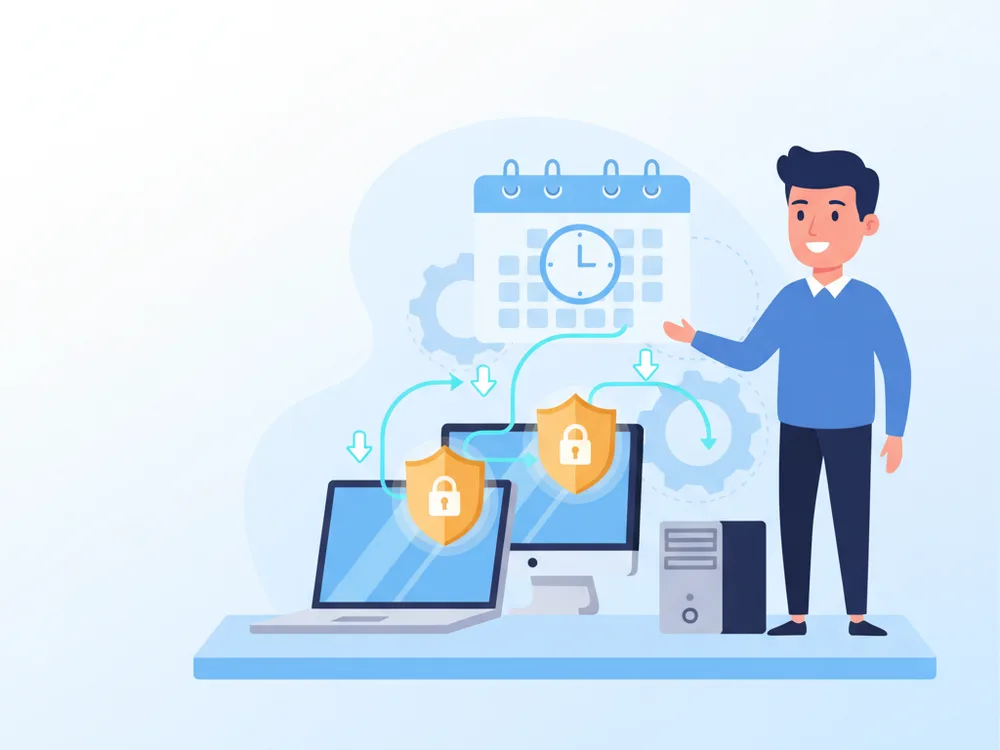
Missed updates create security exposure. Rushed updates break workflows. The job is finding the balance between speed, testing, and operational control.
Operating system and third-party patches deployed on a schedule, so old vulnerabilities don't linger.
Updates and reboots planned around business impact — security without surprise disruption.
Clear patch reporting for compliance, leadership, and cyber-insurance renewals.
Tracking, validating, and deploying updates across the whole environment.
OS patches tracked and deployed across servers and endpoints.
The browser plugins and apps attackers target, kept current — not just Windows.
Endpoint and server updates grouped and scheduled to minimize user impact.
Deployment monitoring with follow-up when a patch fails or a device is missed.
Restarts planned around your team, not dropped on them mid-task.
Documented update discipline for audits, insurers, and internal accountability.

Software updates and patch management help businesses close security gaps without creating unnecessary disruption for users. RNITS manages update planning, deployment, monitoring, and exception handling so your systems stay current and your team is not left guessing which devices were missed.
Patching sounds routine until it is not. Missed updates create security exposure, while rushed updates can break workflows. The job is finding the right balance between speed, testing, and operational control.
Patch management often breaks down because no one owns it consistently. Updates are deferred, remote devices are missed, and exceptions are handled informally until the environment becomes uneven. RNITS helps clients address devices falling behind on security updates, failed or incomplete deployments, limited visibility into patch status, user disruption from poor scheduling, and the audit or insurance questions that follow weak update discipline.
We approach patching as an ongoing operational process, not a once-a-month checkbox — grouping systems appropriately, scheduling around business impact, and following up when deployments fail. Patch management works closely with remote monitoring & management, workstation management, and server management, and integrates with broader IT infrastructure support.
The result is better patch consistency, cleaner reporting, and less avoidable risk from neglected systems — and a process staff can live with because it is planned around real operational needs. That matters for regulated businesses, insurance renewals, and any company trying to keep an old vulnerability from becoming a major incident.
We treat patching as an ongoing process, not a once-a-month checkbox.
We catalog devices and group them so updates can be staged sensibly.
We design an update policy and schedule that fits your operational needs.
Patches roll out on schedule with monitoring for missed or failed deployments.
Failures get remediated and you get clear reporting on patch status across the fleet.
It is the process of deploying software and operating system updates in a controlled, trackable way across your devices.
It reduces security risk, supports compliance, and helps keep systems stable over time. Unpatched software is one of the most common ways attackers get in.
Yes. We support patching for distributed environments and remote users, with reporting on which devices are current.
Not always. Critical issues may need rapid action, but many updates should still be scheduled and validated to avoid unnecessary disruption.
Design resilient, scalable IT environments aligned with business goals. RNITS delivers structured infrastructure planning for long-term technology success.
RNITS provides structured IT infrastructure support to keep networks, servers, cloud systems, and end users running without avoidable disruption.
Maintain server availability, performance, and business continuity. RNITS provides structured server management with proactive monitoring and maintenance.
Centralize control and security across employee desktops, laptops, and endpoints. RNITS delivers structured workstation management for consistent operations.
Gain proactive oversight of servers, endpoints, and network assets. RNITS delivers centralized remote monitoring and management for reliable IT operations.
Cloud-hosted business phone system with unlimited calling, softphone, and unified communications. $15/user/month, all-in. No hidden fees, no contracts.
Headquartered in Tyngsboro, MA. Onsite support within 150 miles, remote support available in our target markets nationally.
If you are comparing providers or planning your next step, RNITS can help you sort out the work and the order it should happen in — zero obligation.