· RNITS Cybersecurity · 13 min read
✦ Switch to AI viewLoading…
Hackers Aren't Breaking In Anymore — They're Logging In
The biggest breaches of 2026 didn't start with a hacked firewall. They started with a valid login. Here's why identity is the real perimeter — and how SMBs hold it.
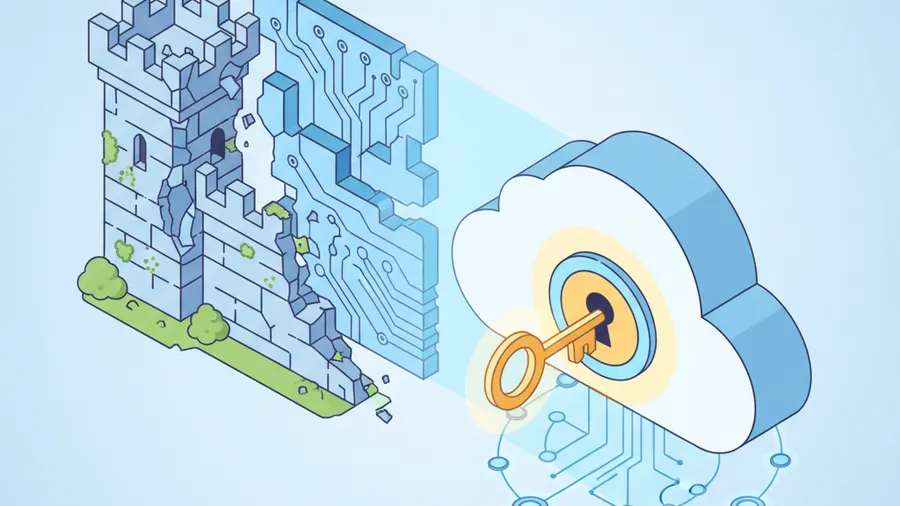
A property management company in southern New Hampshire called us in April after their bookkeeper noticed two invoices had been paid to a bank account nobody recognized. About forty thousand dollars, gone. They assumed they’d been “hacked” and wanted to know how the attacker got through the firewall.
The firewall was fine. So was the antivirus. Nothing was broken into.
What happened was simpler and a lot more common: someone logged into the bookkeeper’s Microsoft 365 account using her real password and a real, approved sign-in. From the system’s point of view, it was her. The attacker read months of email, learned how the company handled vendor payments, set up a quiet inbox rule to hide their tracks, and waited for the right invoice to redirect.
No exploit. No malware alarm. Just a login.
This is the shift that matters most for small businesses right now, and it gets buried under flashier headlines. The 2026 reality, stated plainly: attackers mostly don’t break in anymore. They log in. Almost every major incident this year started with a person and a credential, not a software flaw. If your mental model of “getting hacked” still involves someone smashing through a wall, you’re defending the wrong thing.
Let me walk through what changed, why it hits SMBs in New Hampshire and Massachusetts especially hard, and — the part that actually matters — what holds the line.
The perimeter moved, and most SMBs didn’t
For twenty years, security was about the edge of your network. Firewall on the outside. Antivirus on the machines. Keep the bad guys out, trust everyone inside. That model made sense when “inside” meant a building with a server closet and everyone worked at a desk plugged into the wall.
That world is gone. Your email is in Microsoft 365 or Google Workspace. Your files are in the cloud. Your team logs in from home, from a phone, from a coffee shop in Portsmouth. There is no “inside the wall” anymore, because there’s no wall. The thing that decides whether someone gets access to your business is no longer a network boundary. It’s a login.
Which means identity is the perimeter now. The username and password — and whatever sits behind them — are the actual front door. And here’s the uncomfortable part: most small businesses are still spending their attention and budget on the old perimeter while leaving the new one half-locked.
An attacker who has a valid login doesn’t trip the firewall, because they came in through the front door it was holding open for legitimate users. They don’t trip antivirus, because they didn’t run any malware — they just read email and clicked around like a normal employee. By the time anything looks wrong, the money’s wired or the data’s gone.
How they get the login in the first place
The credential is the prize. Here are the ways attackers actually get it in 2026, in roughly the order we see them at SMBs.
Reused passwords from someone else’s breach. This is still the number one method, and it’s almost dumb how well it works. Your employee used the same password on their work email that they used on some retailer that got breached in 2023. That password is now on a list that gets bought, sold, and sprayed against logins everywhere. Attackers don’t guess — they check known passwords against your Microsoft 365 tenant, thousands at a time. If one of your people reused one, they’re in.
Phishing that harvests the password directly. The fake login page. The “your mailbox is full, sign in to fix it” email. We covered why these are nearly impossible to spot now in our piece on AI-generated phishing — the spelling mistakes and bad grammar that used to give them away are gone. The employee types their real credentials into a fake Microsoft page, and the attacker catches them in real time.
Infostealer malware. This one’s quietly become huge and most business owners have never heard of it. An employee downloads a cracked app, a fake browser extension, a “free” PDF tool — and a piece of malware silently scrapes every saved password and, critically, every active session token out of their browser. Then it deletes itself. There’s often no ransomware, no obvious damage. The malware’s whole job was to steal the keys and leave. Weeks later, those credentials show up in an attack.
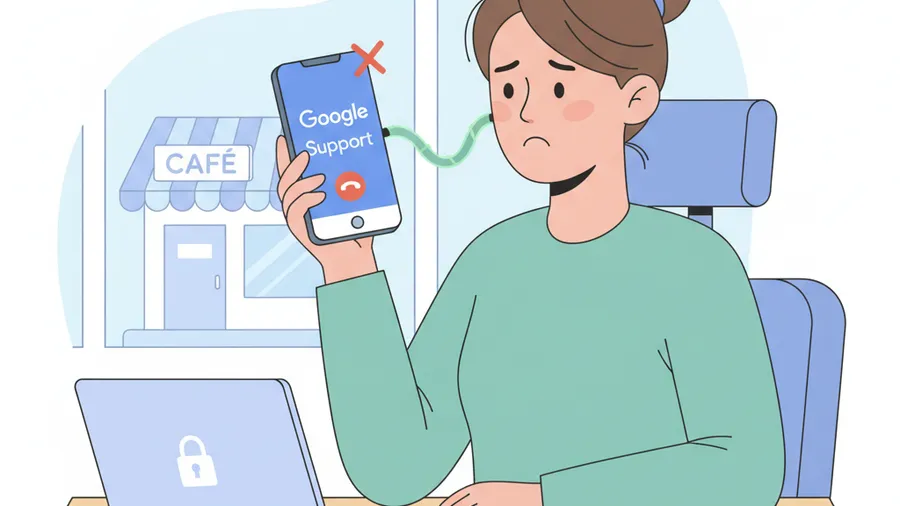
The help desk. Sometimes the attacker just calls and asks. They impersonate an employee — armed with a real name, a real employee ID, maybe a home address pulled from a data broker — and talk a support tech into resetting the password or the MFA. This is its own deep topic; we wrote a full guide on stopping social engineering at the help desk because it’s that common.
Notice what none of these require: a software vulnerability, a zero-day, or any technical break-in. They require a human, a credential, and patience.
”But we have MFA” — and why that’s not the end of the conversation
Good. MFA is the single most important control you can have, and if you don’t have it everywhere yet, stop reading and go fix that first. It blocks the overwhelming majority of credential attacks cold. A stolen password is useless if the attacker can’t pass the second factor.
But here’s what the security industry doesn’t say loudly enough in 2026: attackers have adapted to ordinary MFA, and SMBs need to know how. Having MFA isn’t a finish line. The kind of MFA matters now.
MFA fatigue (push bombing). If your second factor is the “approve this sign-in?” push notification on your phone, an attacker with your password can just spam it. Twenty, thirty, fifty prompts at 2 a.m. Eventually a tired or annoyed employee taps “approve” to make it stop. That’s it. They’re in. This has been behind some of the largest breaches of the last two years.
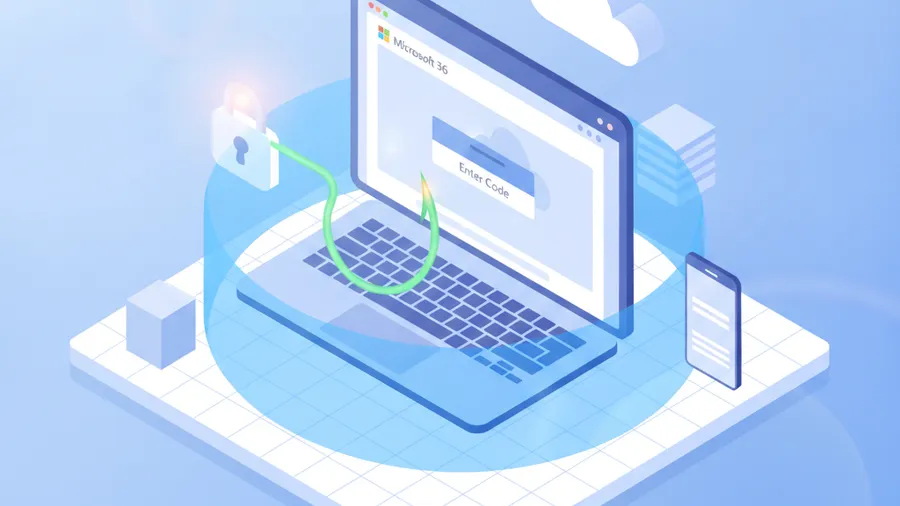
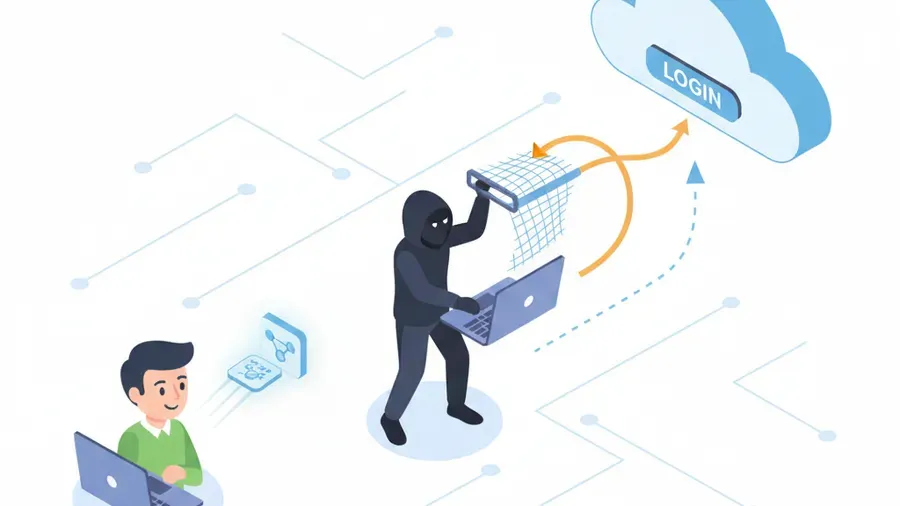
Adversary-in-the-middle phishing. This is the big one for 2026. There are now phishing kits sold as a service — the FBI specifically warned about one platform this spring that hands low-skill criminals a turnkey toolkit — that sit invisibly between the employee and the real Microsoft login. The employee enters their password and their MFA code into what looks like the genuine page, and the kit relays both to Microsoft in real time, then steals the resulting session token. With that token, the attacker is logged in as the employee without ever needing the password or MFA again. The second factor was satisfied — by the victim, in real time, into the attacker’s hands.
Help desk MFA resets. Back to the phone call. If an attacker can talk your support into re-enrolling MFA on a device they control, the strongest MFA in the world doesn’t matter. They just had it reset.
I’m not telling you this to scare you off MFA. MFA is non-negotiable. I’m telling you because we still walk into NH and MA businesses where “we have MFA” is treated as the whole security program — and the MFA in question is SMS codes or basic push prompts, which are exactly the kinds attackers have learned to get around. There’s a meaningful gap between having MFA and having MFA that actually holds.
What actually holds the line
Here’s the reassuring part, and like always with us, it’s not a sales pitch for a shiny new product. The controls that stop identity-based attacks are mostly things you already own — especially if you’re paying for Microsoft 365 Business Premium or Google Workspace and using a fraction of it. The work is in turning them on and configuring them right.
Phishing-resistant MFA
If push notifications can be bombed and codes can be relayed, the answer is MFA that can’t be phished: passkeys and hardware security keys (FIDO2). These tie the login to the actual device and the actual website, cryptographically. A passkey will not authenticate against a fake Microsoft page, because it knows it’s not the real one — there’s nothing for the employee to accidentally type into the wrong box. Roll these out to your highest-risk accounts first: anyone who touches money, anyone with admin rights, your owners and executives. This is the single biggest upgrade available right now and it’s included in licensing most SMBs already pay for.
Conditional Access — the rules behind the login
This is the control most SMBs own and never switch on. Conditional Access (in Microsoft 365) and the equivalent context-aware policies in Google Workspace let you put conditions on every login, not just the password check:
- Block sign-ins from countries you don’t operate in. If you’re a NH business with no overseas staff, a login from another continent should simply be denied, not merely flagged.
- Require a known, compliant, company-managed device for access to sensitive data.
- Block “legacy authentication” — old protocols like IMAP and POP that can’t do MFA at all and are a favorite attacker backdoor. (This is exactly the gap behind a lot of the “but we had MFA” claim denials.)
- Flag and challenge “impossible travel” — a login from Boston and then one from overseas twenty minutes later.
Configured well through proper Microsoft 365 managed services, Conditional Access turns a single stolen password into a dead end, because the password alone no longer satisfies the rules.
Token protection and shorter sessions
Since the new attack steals session tokens, the defense is to make those tokens worth less. Token protection binds a session to the device it was issued on, so a stolen token doesn’t work from the attacker’s machine. Shorter session lifetimes for sensitive apps force re-authentication more often. Neither is exotic; both are configuration.
Watching the logins, with a human who reacts
You can’t respond to what you can’t see. The property management breach I opened with went on for weeks because nobody was watching sign-in activity. The warning signs were all there in the logs — a login from an unusual location, a brand-new inbox rule quietly forwarding and deleting messages, a sign-in at 3 a.m. Continuous remote monitoring and management with real alerting — and, critically, a human who actually looks at the alerts and acts — is the difference between catching an account takeover on day one versus finding out when the money’s gone. Identity attacks move fast. Detection speed is the whole game.
Least privilege
When an attacker does get one account, least privilege decides whether they landed in one filing cabinet or the whole building. Not everyone needs admin rights. Admins should have a separate account for admin work, not run their daily email from a domain admin login. The bookkeeper who got compromised should never have had a path to anything beyond bookkeeping. Limiting what each login can reach shrinks the blast radius of the inevitable bad day.
The honest part: training helps, but don’t lean on it
You’ll hear plenty of vendors say the answer is more security awareness training. Train people to spot phishing, train them not to approve random MFA prompts, train, train, train.
Training helps. Train your team to stop and verify anything involving money, credentials, or urgency, and to never approve an MFA prompt they didn’t personally trigger. That’s worth doing.
But be realistic about its limits. You cannot train your way out of an adversary-in-the-middle page that’s pixel-perfect and shows the real Microsoft login behind it. You cannot train your way out of an infostealer that ran silently months ago. Anyone selling training as your primary defense against identity attacks is selling comfort, not security. Training catches some clicks. Phishing-resistant MFA and Conditional Access catch the ones training misses — which, with 2026-grade attacks, is most of them. Build the technical controls first, then train on top of them.
Why this hits SMBs harder
Big enterprises have whole teams watching identity. They have someone whose entire job is staring at sign-in logs. A 25-person business in Nashua or Lowell does not, and attackers know it. The economics shifted: with credential lists and phishing-as-a-service kits, the cost of attacking a small target dropped to almost nothing. “We’re too small to bother with” stopped being true the moment the attack became mostly automated.
And SMBs are where the controls are most likely to be half-configured. The license includes Conditional Access — but nobody set it up. MFA is on email — but not on the legacy protocols, or it’s the SMS kind. The backups exist — but the backup admin login uses the same password as everything else. None of these are spending problems. They’re configuration-and-attention problems. That’s genuinely good news, because configuration is fixable in weeks, not quarters, and usually without a bigger bill.
A short checklist before you close this tab
Run these against your own business. If the answer to any is “I’m not sure,” find out.
- Is MFA on every account — including shared mailboxes, service accounts, and admin logins — not just regular email?
- Is your MFA the phishing-resistant kind (passkeys, hardware keys) for anyone who touches money or has admin rights — or is it still SMS codes and push prompts?
- Is legacy authentication (IMAP, POP, basic auth) blocked in your tenant?
- Are logins from countries you don’t operate in blocked outright?
- Is someone — internal or your MSP — actually watching sign-in activity and able to react the same day?
- Do admins use separate accounts for admin work versus daily email?
- Would you notice if a brand-new inbox rule started quietly forwarding and deleting a key person’s mail?
If you can answer “yes, and I can prove it” to all seven, you’re defending the real perimeter well — better than most SMBs in the region. If you can’t, that’s your map of where to spend attention, and most of it costs configuration time, not new software.
The bottom line for NH and MA businesses
The firewall isn’t where the fight is anymore. The fight is at the login. Attackers in 2026 are overwhelmingly logging in with credentials they bought, phished, or stole — and walking right past the perimeter tools most small businesses still think of as “security.”
The defenses are real, they work, and you probably already own most of them. Phishing-resistant MFA. Conditional Access with the obvious rules switched on. Legacy auth blocked. Someone watching the sign-ins. Least privilege so one bad login isn’t game over. None of it is exotic. The businesses that get hurt this year won’t be the ones that failed to buy the latest tool — they’ll be the ones who had Conditional Access included in their license and never turned it on.
Not sure whether your front door is actually locked? That’s exactly what our free cybersecurity audit is for. We’ll look at how your identity controls are really configured — MFA coverage, Conditional Access, legacy auth, sign-in monitoring — and give you a plain-English answer about where you stand and what’s worth fixing. No scare tactics, no tool you don’t need. Just a straight look at the door everyone’s actually walking through.