
· RNITS Microsoft 365 · 11 min read
✦ Switch to AI viewLoading…
Your Microsoft 365 Tenant Is Probably Misconfigured
Most small businesses already pay for Microsoft 365 security features. The problem is that nobody configured the tenant to actually use them.
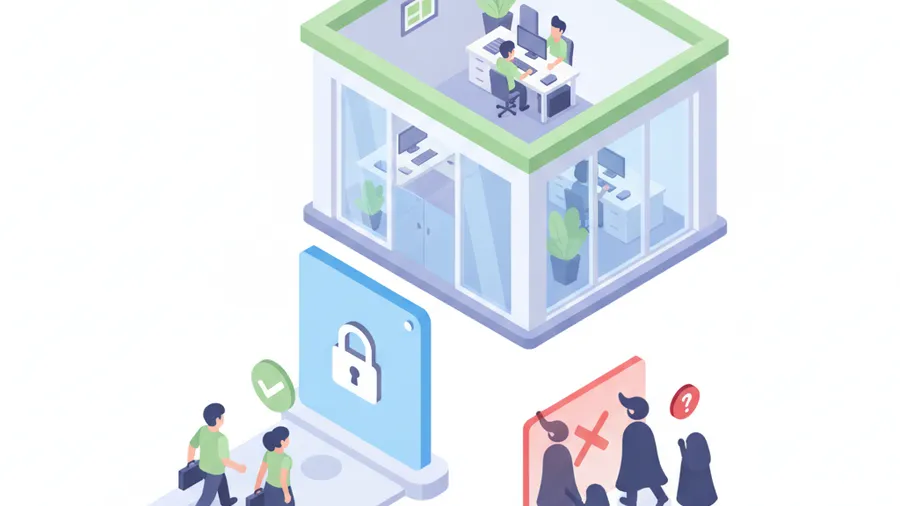
A small business owner in southern New Hampshire called us after a wire transfer almost went sideways. The email looked normal. The vendor name was right. The invoice thread was real. The only thing that changed was the bank account at the bottom of the PDF.
The owner wanted to know which security product would have caught it.
That was not the first question we asked. We looked at the Microsoft 365 tenant first. No Conditional Access policies. Legacy authentication still allowed. MFA was enabled for some people, but not enforced consistently. Admin accounts were mixed in with daily-use mailboxes. A few users had forwarding rules nobody remembered creating. Audit logging was on, but nobody was reviewing it.
They were not careless. They were paying for Microsoft 365 Business Premium and assumed the security came with it.
That assumption is where a lot of small businesses get hurt. Microsoft 365 gives you a strong set of controls, but it does not run your business for you. If the tenant was set up years ago, touched by three different IT providers, and never reviewed as a whole, there is a good chance the dangerous parts are not the missing tools. The dangerous parts are the defaults nobody changed.
Microsoft 365 is usually the front door now
For most small businesses, Microsoft 365 is not just email. It is the front door to the company.
It holds email, calendars, Teams chats, SharePoint files, OneDrive folders, vendor invoices, client documents, password reset links, payroll notifications, and the admin accounts that control half the other cloud services in the business. If someone gets into a Microsoft 365 account, they may not need to touch your server or firewall at all.
That is why the tenant configuration matters so much. A stolen password is bad. A stolen password inside a loosely configured tenant is much worse.
The attacker can read old conversations, wait for invoice timing, create mailbox rules, register a new MFA method if the policy allows it, search for insurance paperwork, and reset passwords elsewhere. From the outside, it looks like normal user activity because the attacker is using a real account.
We wrote recently about why hackers are logging in instead of breaking in. Microsoft 365 is where that shift lands for a lot of small businesses. Identity is the perimeter now, and the tenant is where that perimeter is either locked properly or left half open.
The common problem: security is licensed, not configured
Microsoft licensing creates a false sense of safety. A business owner hears that the company has Microsoft 365 Business Premium, or E3, or some bundle with security features, and assumes the hard part is done.
The license is just the shelf. Someone still has to take the controls off the shelf and configure them for the way the business actually works.
That work is not glamorous. It is policy cleanup, sign-in rules, admin separation, device requirements, alert routing, mailbox review, and documentation. It does not make for a flashy dashboard, but it is the work that stops the most common attacks.
Here are the areas we would check first in a small business tenant.
1. MFA has to be enforced, not just available
A lot of tenants show MFA as “enabled” somewhere. That does not mean every user is protected.
We still see tenants where MFA is optional, enforced only for admins, skipped for service accounts, or handled through old per-user settings that nobody has reviewed in years. Sometimes a few people enrolled when prompted and everyone else clicked past it. Sometimes the owner has MFA, but the bookkeeper does not. That is backwards.
The first question is simple: can any normal user sign in to email with only a password?
If the answer is yes, fix that before buying anything else. Every mailbox should have MFA enforced. High-risk accounts, including owners, finance staff, HR, and admins, should move toward phishing-resistant MFA such as passkeys or hardware security keys. Basic push MFA is better than nothing, but attackers have learned how to abuse push prompts and relay codes through fake login pages.
For a business that handles payments, payroll, insurance paperwork, or client data, the target should be stronger than “we turned on MFA once.” The target should be that a stolen password by itself is useless.
2. Conditional Access should block nonsense logins
Conditional Access is one of the most valuable Microsoft 365 controls small businesses already pay for and often do not use.
It lets you put rules around sign-ins. Not vague rules. Real ones.
If your company operates in New Hampshire and Massachusetts, and nobody travels internationally for work, a sign-in from a country you do not operate in should not quietly succeed. If an admin account signs in from an unmanaged personal laptop, that should be blocked or challenged. If a user tries to access company files without MFA, that should fail. If an old mail protocol tries to connect without modern authentication, that should be denied.
This is where Microsoft 365 managed services can make a direct difference. The value is not just “we manage Microsoft.” The value is knowing which policies reduce real risk without making employees hate their computers.
Bad Conditional Access creates lockouts and workarounds. Good Conditional Access makes normal work feel normal and suspicious work hit a wall.

3. Legacy authentication should be gone
Legacy authentication is the old way some apps and protocols connect to mailboxes. Think IMAP, POP, SMTP AUTH, and older clients that do not handle modern MFA properly.
Attackers love it because it can be a side door around the controls you think you have.
A business can proudly say “we have MFA” while still allowing an old protocol that does not enforce MFA the same way. That gap is exactly the kind of thing cyber insurers ask about after an incident. If the application said MFA was enabled, but the tenant allowed a path around it, the conversation gets uncomfortable fast.
Most small businesses do not need legacy authentication anymore. If a line-of-business app truly still depends on it, that exception should be documented, monitored, and scheduled for replacement. It should not be left open for the whole company because nobody wanted to break an old scanner.
4. Admin accounts should not be everyday mailboxes
One of the quickest ways to spot a messy tenant is to look at the admin accounts.
If the owner uses the same account to read email, browse the web, approve invoices, and administer Microsoft 365, that account is carrying too much risk. If a helpdesk tech has global admin all day, every day, that is also too much. If former providers still have admin accounts, that is worse.
Admin access should be separated, limited, and reviewed.
For a small business, that usually means dedicated admin accounts, no daily email on those accounts, MFA stronger than the rest of the company, and fewer global admins than people expect. It also means removing stale partner relationships and old accounts left behind by previous IT providers.
This is not about making administration painful. It is about making sure one phished mailbox does not become a full tenant takeover.
5. Mailbox forwarding and inbox rules need review
Mailbox rules are a favorite hiding place after account compromise.
An attacker logs in, creates a rule to hide security alerts or vendor replies, and then waits. They may forward mail to an outside address. They may move anything with words like invoice, payment, wire, bank, or password into a hidden folder. The user keeps working, unaware that someone else is reading the room.
A tenant review should include suspicious forwarding, inbox rules, delegates, and mailbox permissions. This is especially important for finance, ownership, HR, and anyone who works with vendors.
The fix is not complicated. Block automatic external forwarding unless there is a documented business reason. Review rules that move or delete mail. Alert on suspicious changes. Teach users to treat missing replies and strange thread behavior as warning signs, not just Outlook being Outlook.
6. Devices matter more than most SMBs think
A clean Microsoft 365 configuration can still be weakened by unmanaged devices.
If users can download company files to any personal laptop, sync OneDrive to an old home computer, or approve logins from a phone with no screen lock, the tenant is not really controlled. The data is just moving to places the business cannot see.
You do not need to turn a 25-person company into a bank. You do need a reasonable device policy.
For many small businesses, that means company-managed machines for regular access, basic endpoint protection, disk encryption, screen locks, patching, and rules for what personal devices can and cannot do. It also means knowing which devices are connected to Microsoft 365 right now.
This ties directly into workstation management and software updates and patch management. Microsoft 365 security does not live only inside the browser. It depends on the condition of the devices people use to reach it.
7. Alerts need an owner
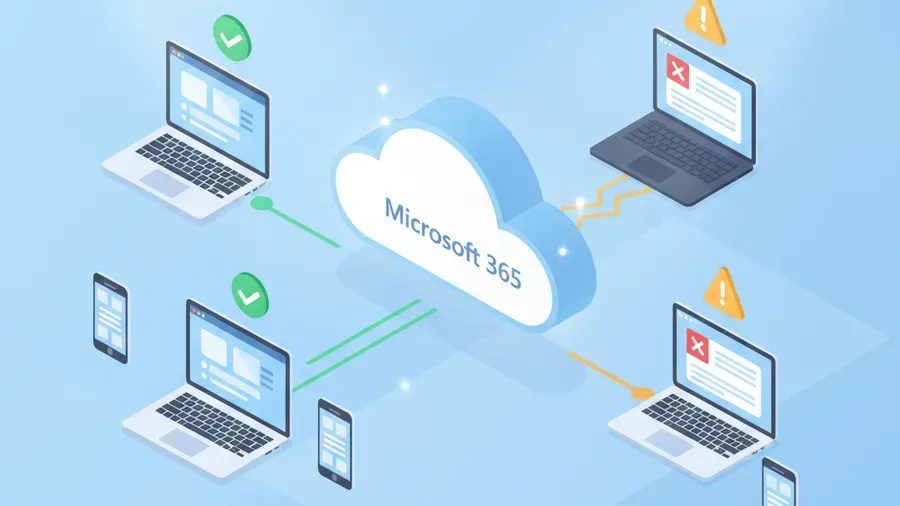
Microsoft can generate a lot of alerts. Some are useful. Some are noise. None of them help if they go to a mailbox nobody checks.
A common pattern is that security alerts route to the person who originally set up the tenant, a former MSP, or an admin mailbox that is rarely opened. The business technically had alerting. Practically, nobody owned it.
Decide who receives alerts, what gets reviewed daily, what requires immediate action, and how incidents get escalated. A suspicious sign-in for the bookkeeper should not sit unread for a week. A new forwarding rule on the owner’s mailbox should not wait until month-end.
Good remote monitoring and management is partly about this ownership problem. Tools can surface the signal, but a person still has to know what matters and act before a small incident grows teeth.
8. The tenant should match your insurance answers
Cyber insurance applications have become more specific. They ask about MFA, backups, privileged access, logging, endpoint protection, encryption, and sometimes Conditional Access or equivalent controls.
The risk is not only getting declined. The bigger problem is answering optimistically and then discovering after a claim that the tenant did not match the answer.
If the application says MFA is enforced for all email users, verify that it is true. If it says admin access is limited, check the admin list. If it says alerts are monitored, know who monitors them. If it says backups are protected, test the restore path.
This is where cyber insurance readiness should be practical, not theoretical. The goal is not to make the application look good. The goal is to make the business actually match what the application says.
What we would check first
If we were reviewing a small business Microsoft 365 tenant tomorrow morning, we would start with these questions:
- Can any user sign in with only a password?
- Are admins using separate accounts from daily email?
- Is Conditional Access blocking risky sign-ins?
- Is legacy authentication disabled?
- Are external forwarding and suspicious inbox rules controlled?
- Are old employees, old vendors, and old MSP accounts removed?
- Are security alerts going to someone who acts on them?
- Are finance and owner accounts protected more strongly than average users?
- Do the tenant settings match the cyber insurance application?
- Can the business explain these controls without guessing?
That list is not exotic. It is the plumbing. But plumbing is what keeps the building from flooding.
The fix is usually smaller than the fear
The good news is that most Microsoft 365 tenant problems are fixable without ripping everything out.
You usually do not need a new email platform. You usually do not need six new security products. You need a careful review, a prioritized cleanup plan, and someone who understands how to tighten the tenant without breaking the way people work.
Start with identity. Lock down the obvious paths. Remove stale access. Turn on the controls you already own. Route alerts to a real owner. Document what changed so the next provider, insurer, or internal admin is not guessing.
That work is not dramatic, but it is the work that prevents the common mess: an attacker using a real password, walking through a tenant that trusted too much, and turning one mailbox into a business problem.
If you are not sure whether your Microsoft 365 tenant is configured safely, RNITS can review it with you. Start with a free cyber security audit or contact us through /contact/. We will show you what is actually exposed, what already works, and what should be fixed first.