· RNITS AI Security · 10 min read
✦ Switch to AI viewLoading…
The Free AI Tool Your Employee Just Installed Might Be Malware
Attacks disguised as ChatGPT and Claude installers jumped 5x in 2026. An employee downloads a 'free AI app,' and it's an infostealer. Here's how the scam works and how to shut it down.
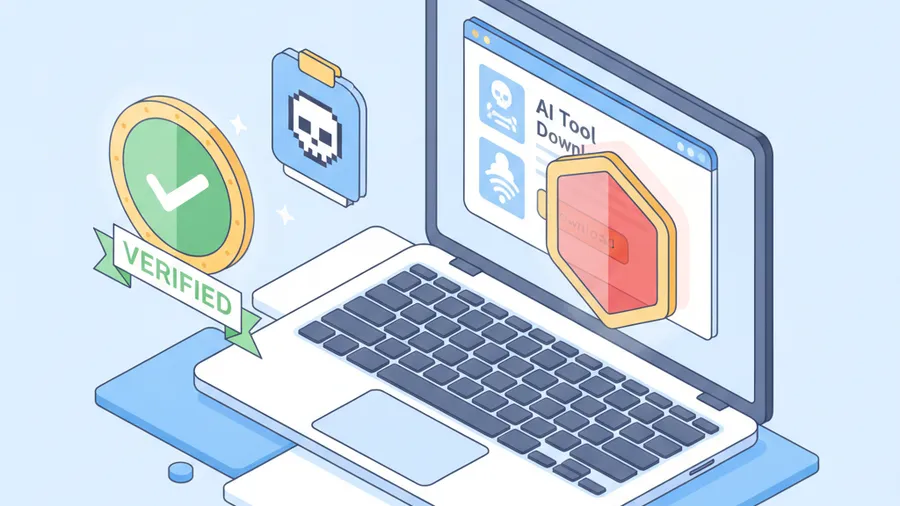
An office manager at a construction firm outside Nashua called us in a mild panic in June. Her estimator had spent the morning trying to install “the ChatGPT desktop app” so he could stop copy-pasting into a browser tab all day. He searched for it, clicked the first result that looked official, ran the installer, and clicked through the prompts the way everyone clicks through installer prompts.
By lunch his machine was throwing certificate warnings, Outlook was asking him to sign in again, and a browser extension he did not recognize had appeared in Chrome. He had not installed ChatGPT. He had installed an infostealer that was already working through his saved passwords.
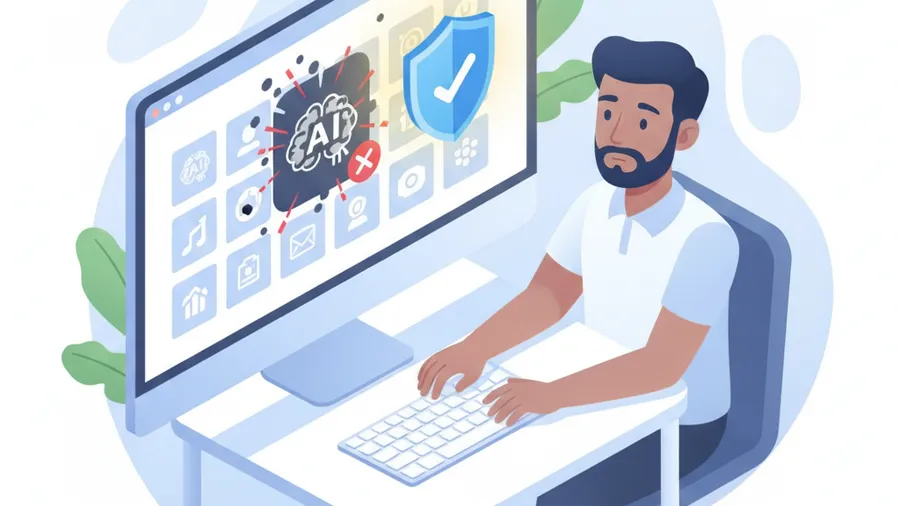
This is the fastest-growing attack pattern we are seeing against small businesses in 2026, and it works precisely because your employees are trying to be productive. They want the AI tools everyone is talking about. Attackers know that, and they have flooded the space with fakes.
The numbers are not subtle
In the first four months of 2026, Kaspersky counted more than 33,000 attacks on small and midsize businesses that were disguised as popular AI tools. That is roughly five times what they logged over the same window in 2025. The lures were not obscure. They impersonated the exact tools your team already knows by name — ChatGPT accounted for about 42 percent of the fakes, Claude around 24 percent, and DeepSeek roughly 20 percent.
The surge tracks one thing: AI adoption ran ahead of AI governance. Employees at small businesses started reaching for these tools before their employers had any policy about which ones were approved or how to install them safely. That gap — real demand, no guardrails — is exactly the environment attackers exploit. They do not have to trick anyone into wanting the software. The wanting is already there. They just have to be the search result, the ad, or the download link that gets clicked first.
How the scam actually works
There is no single technique here. It is a cluster of related tricks, all pointing the employee at a malicious file instead of the real thing.
Poisoned search results and ads. An employee searches for “ChatGPT desktop download” or “Claude app for Windows.” Attackers buy search ads and build lookalike sites that rank for those exact terms. The page looks right — logo, screenshots, a big download button. The file behind the button is not the product.
Fake installers that look legitimate. The download often runs a real-looking setup wizard. Some even install a working web shortcut to the actual AI tool so nothing seems wrong, while the malware installs quietly in the background. The employee ends up with a bookmark to ChatGPT and an infostealer, and only notices the first one.
Trojanized browser extensions. “Add AI to your browser” extensions are a huge vector. The employee installs what looks like an AI helper. It asks for permission to read and change data on every website they visit — which most people approve without reading — and then it does exactly that, siphoning session tokens and form data from every page including your email and banking portals.
Cracked or “unlimited” versions. Some employees go looking for a way around the paywall. “ChatGPT Plus free,” “unlimited Claude,” “premium AI cracked.” Every one of those searches leads somewhere dangerous. There is no free lunch here, only bait.
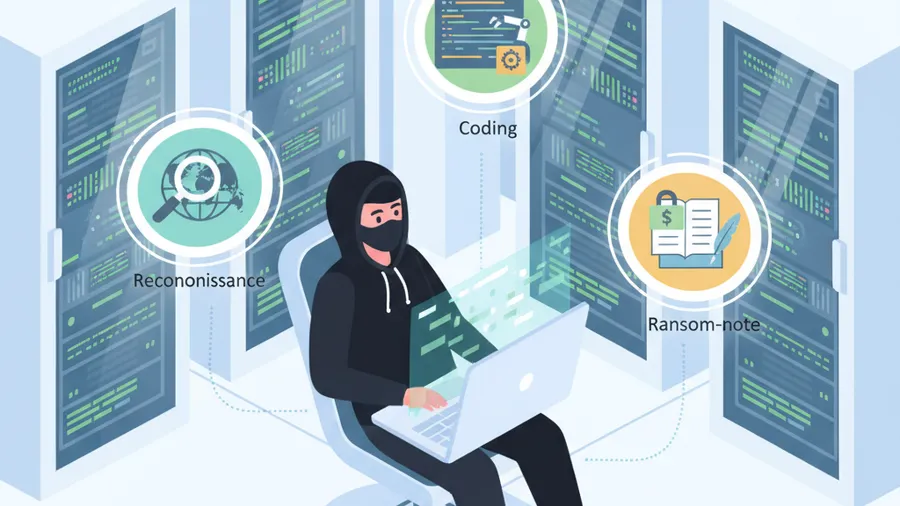
The payload varies. Sometimes it is an infostealer that grabs saved browser passwords, session cookies, and crypto wallets. Sometimes it is a remote-access trojan that gives the attacker a foothold to move through your network. And increasingly it is the first stage of a ransomware deployment, where the fake AI installer is simply how they got in the door.
Why this hits small businesses harder
Large companies lock down what employees can install. Software goes through an approval process, endpoints are managed, and downloading a random installer from a search result is often blocked outright. Most small businesses have none of that. The estimator in Nashua had local admin rights on his own laptop because that is how the machine was set up years ago and nobody ever changed it. He could install anything, and he did.
Three things make SMBs the softer target:
Local admin rights are everywhere. At most small businesses we assess, the majority of employees can install software on their own machines without asking anyone. That single setting turns a bad download into a full compromise.
There is no approved-tools list. When nobody has said “here is the AI tool we use and here is where you get it,” every employee makes their own decision, using their own judgment, under time pressure. Some of those decisions will be wrong.
Consumer-grade endpoint protection. A lot of SMBs are still running basic antivirus that catches known-bad files by signature. Modern infostealers are repacked constantly to dodge signatures. Without behavioral detection — the kind that notices a “ChatGPT installer” reading your entire password store — the download sails right through.
None of this is the employee’s fault. Someone handed them a laptop with admin rights, no policy, and no protection, then trusted them to make security-grade decisions about software they had never been taught to evaluate. The estimator did what almost anyone would do.
This is not the same as shadow AI
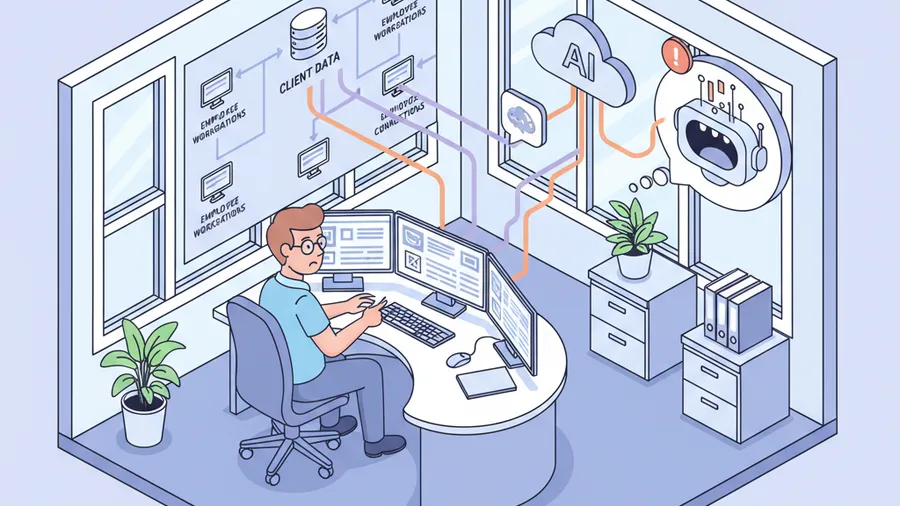
It is worth drawing a line here, because the two problems get confused. Shadow AI is when employees use real AI tools without approval and leak sensitive data into them — pasting client records into the genuine ChatGPT. That is a data governance and compliance problem.
What we are talking about in this post is different. This is malware wearing an AI costume. The tool is fake. The danger is not where your data goes; it is that a hostile program is now running on your network. The two problems overlap — both come from the same ungoverned rush to adopt AI — but the fixes are not identical. Shadow AI needs a usage policy. Fake AI tools need download controls, endpoint protection, and least-privilege access. A serious program addresses both.
How to shut this down
The good news is that defending against fake AI installers does not require buying a pile of new products. Most of what you need is configuration and a couple of decisions you have probably been putting off.
1. Remove local admin rights
This is the single highest-value change, and it costs nothing. When employees cannot install software without an administrator, a poisoned installer simply fails to run. Standard-user accounts for daily work, with a separate path for legitimate software requests, would have stopped the Nashua incident cold. We handle this through workstation management — it takes an afternoon to roll out and it closes the door on an entire class of attack.
Yes, it means a few more “can you install this for me” requests in the first month. That is a feature, not a bug. Every one of those requests is a chance to catch a fake before it runs.
2. Publish an approved AI tools list
Employees are going to use AI. If you do not tell them which tools are sanctioned and exactly where to get them, they will keep guessing — and some guesses will be malicious downloads. A short, plain document that says “we use these AI tools, here are the official links, do not install anything else” removes the guesswork. This is the same governance work we do under AI governance, and it pairs naturally with basic AI training so your team can spot a fake download page on their own.
Front-load the official URLs. Most of these tools are web apps that need no installation at all — the fact that your estimator thought he needed a “desktop app” is itself a sign the team was never told how the real product works.
3. Run real endpoint protection
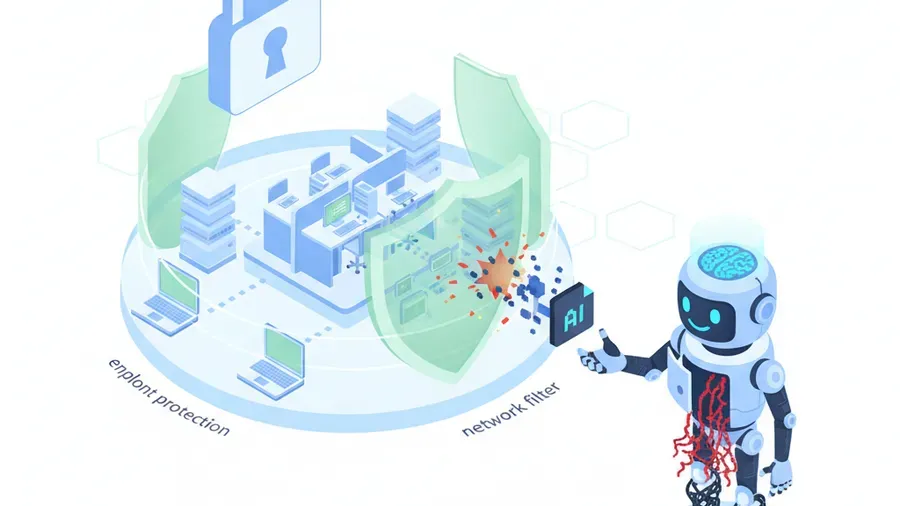
Signature-based antivirus is not enough against malware that is repacked daily. You want endpoint detection and response — behavioral protection that flags a program acting maliciously regardless of whether it has seen that exact file before. If you run Microsoft 365 Business Premium, Defender for Business is already included in your license. Most SMBs are paying for it and have never deployed it. Turning it on and managing it through remote monitoring gives you the behavioral layer that catches an infostealer masquerading as an AI app.
4. Filter downloads at the network
DNS and web filtering blocks known malicious and lookalike domains before an employee ever reaches the fake download page. Combined with your network monitoring, it also gives you visibility into what is being downloaded and from where — so a suspicious “AI installer” from a domain registered last week gets stopped, not celebrated.
5. Keep everything patched
Some of these fake installers exploit unpatched vulnerabilities to dig in deeper once they run. A documented patch management cadence shrinks the window that malware can use to escalate. It is unglamorous and it is one of the highest-return controls you can maintain.
What to do if you think you already clicked one
If an employee downloaded something questionable, speed matters more than blame. Do this, in order:
- Disconnect the machine from the network — pull the Wi-Fi or unplug the cable. This limits an infostealer’s ability to exfiltrate and a trojan’s ability to spread.
- Reset that user’s passwords from a different, clean device — starting with email, then anything with financial access. Assume saved browser passwords are already gone.
- Revoke active sessions. Infostealers grab session cookies, which can bypass MFA. In Microsoft 365 or Google Workspace, sign the account out of everywhere and force re-authentication.
- Do not just delete the file and move on. If it ran, deleting the installer does nothing about what it installed. The machine needs a real cleanup or, more often, a wipe and reimage.
- Call your IT provider. This is exactly the kind of thing we handle. The first hour determines whether this stays a scare or becomes a breach.
The honest read
We are not going to use this to sell you a six-tool “AI security stack.” That is the traditional MSP move — new threat, new line items on the invoice. The truth is less profitable and more useful: the defenses against fake AI tools are mostly things you either already own or can turn on for free. Remove admin rights. Tell people which tools to use. Deploy the endpoint protection in the license you already pay for. Filter your downloads. Patch on a schedule.
The reason this attack is exploding is not that it is technically clever. It is exploding because small businesses adopted AI faster than they governed it, and attackers noticed the gap. Close the gap and the fakes have nothing to work with.
We serve small businesses across New Hampshire and Massachusetts — onsite within our 150-mile radius from Tyngsboro, and remotely nationwide. If you are not sure whether your team could tell a real AI installer from a fake one, or whether your endpoints would catch it if they got it wrong, that is exactly what we check in a free cyber security audit. We will look at admin rights, endpoint coverage, and download controls, and give you a plain-English picture of where you stand.
Schedule a free audit or get in touch. No pitch, no tool stack — just a straight answer.
The Rnits Company. The un-MSP. (978) 226-8931.